




xTool M2 (xTool Machines)
Choose Options | Get Started To Direct Order
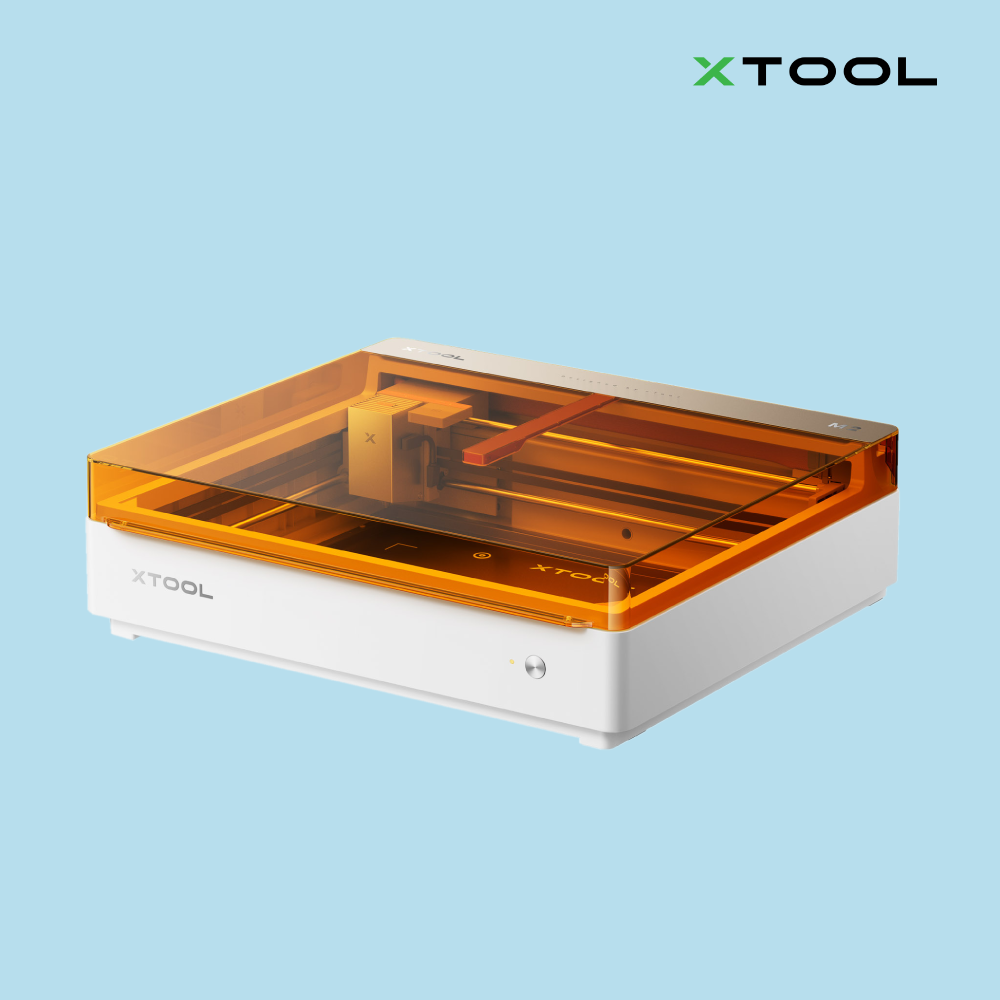
xTool M2
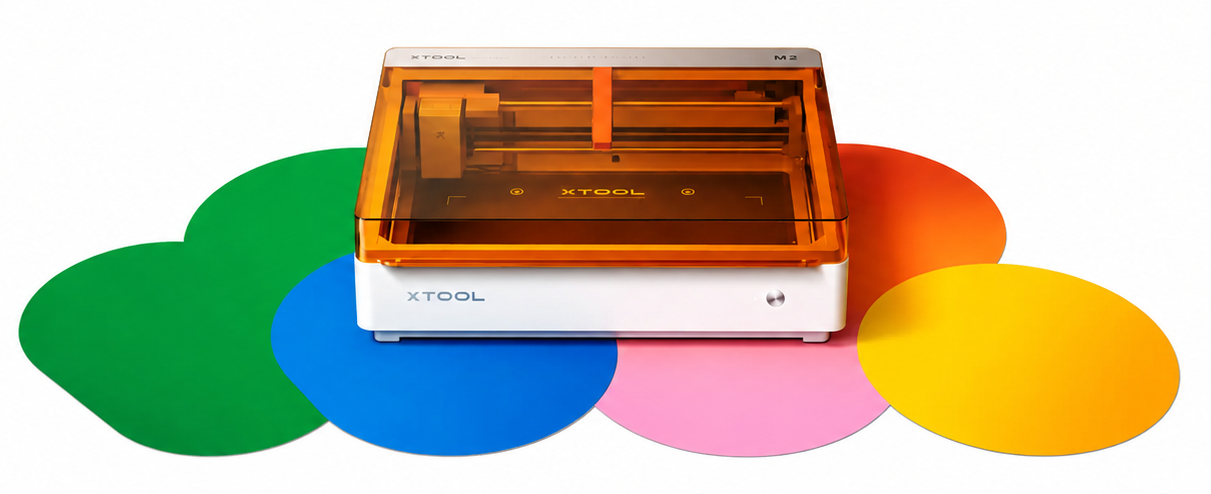
The Easiest Craft Laser with Color Printing for Everyday Making.
One Machine. Infinite Versatility.
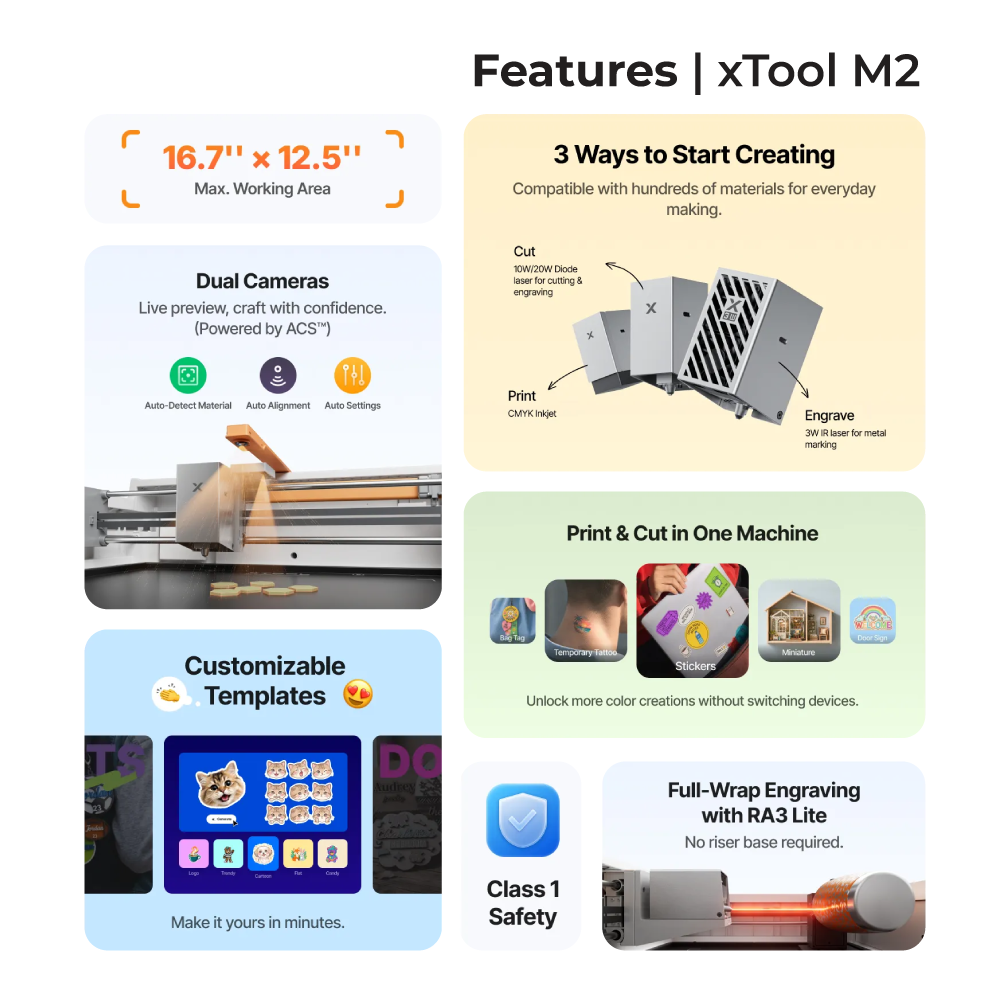
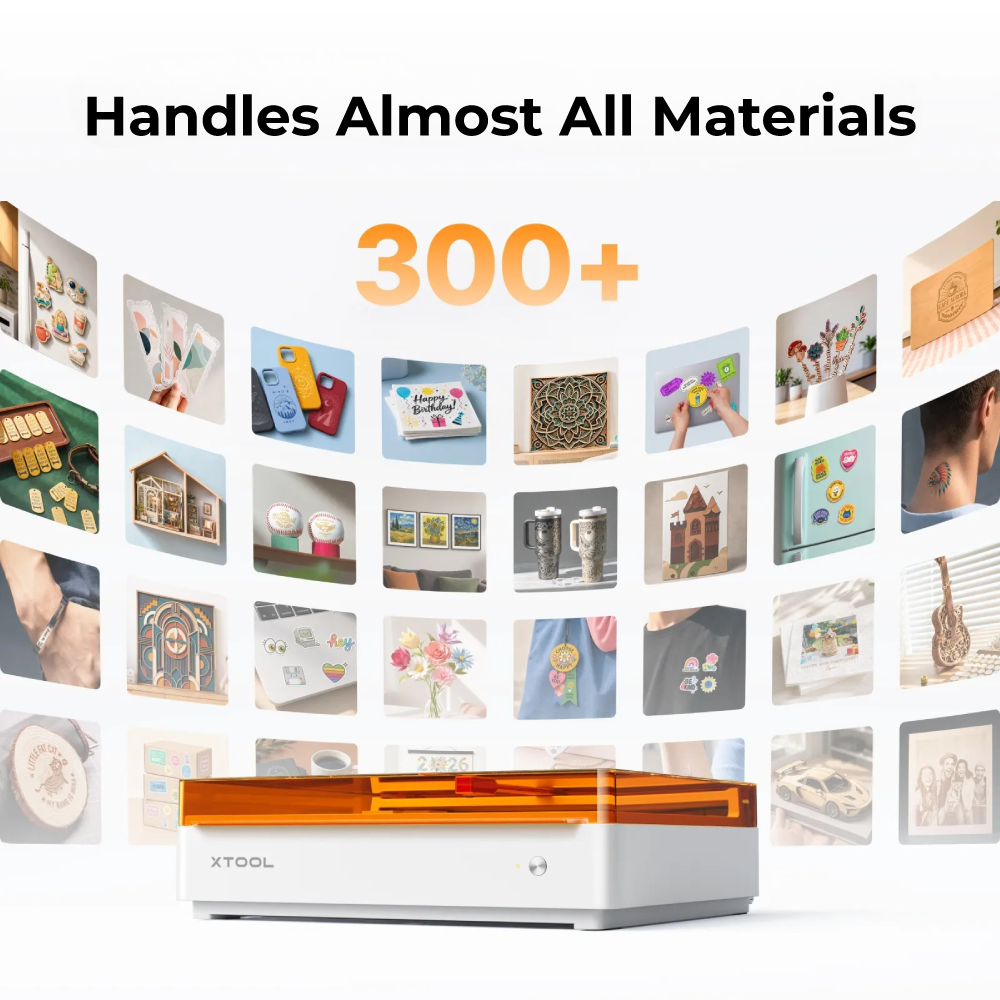
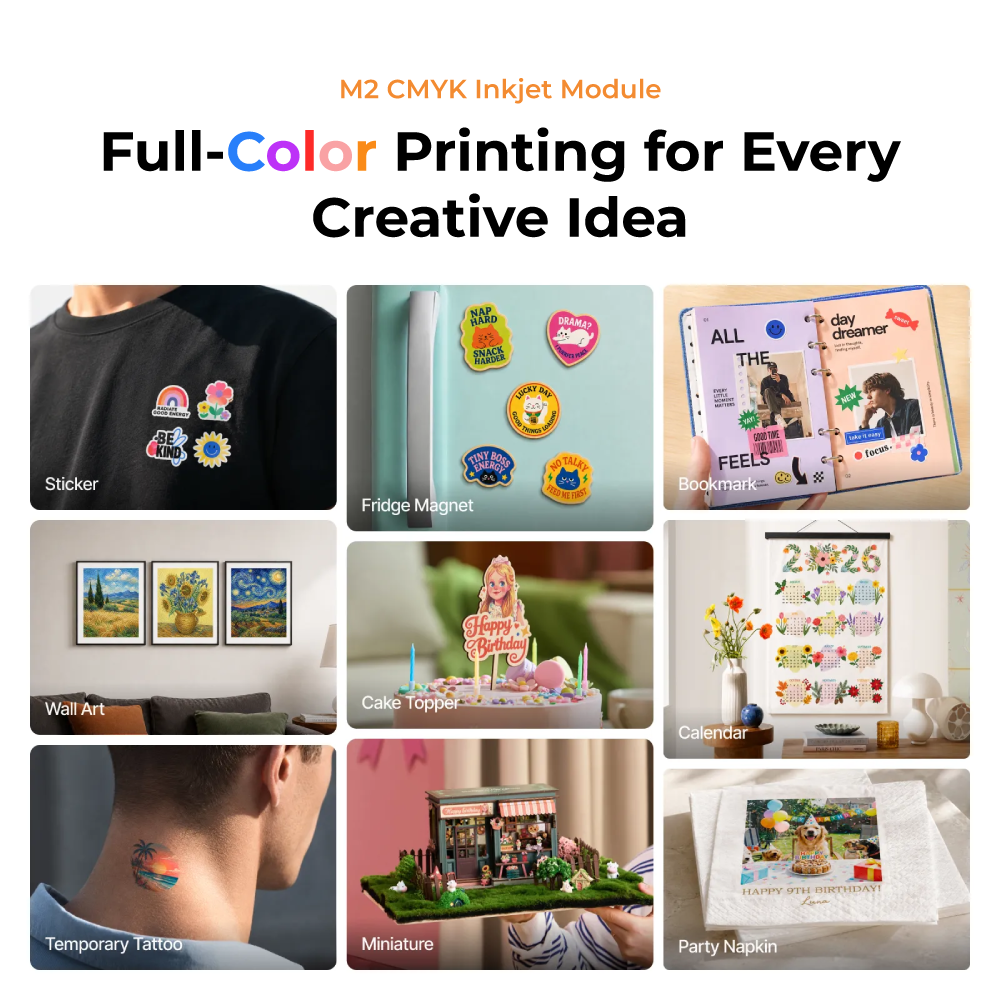
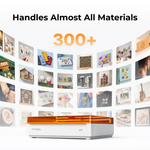
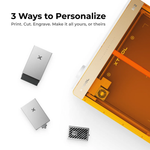
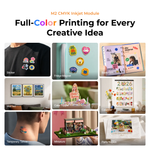
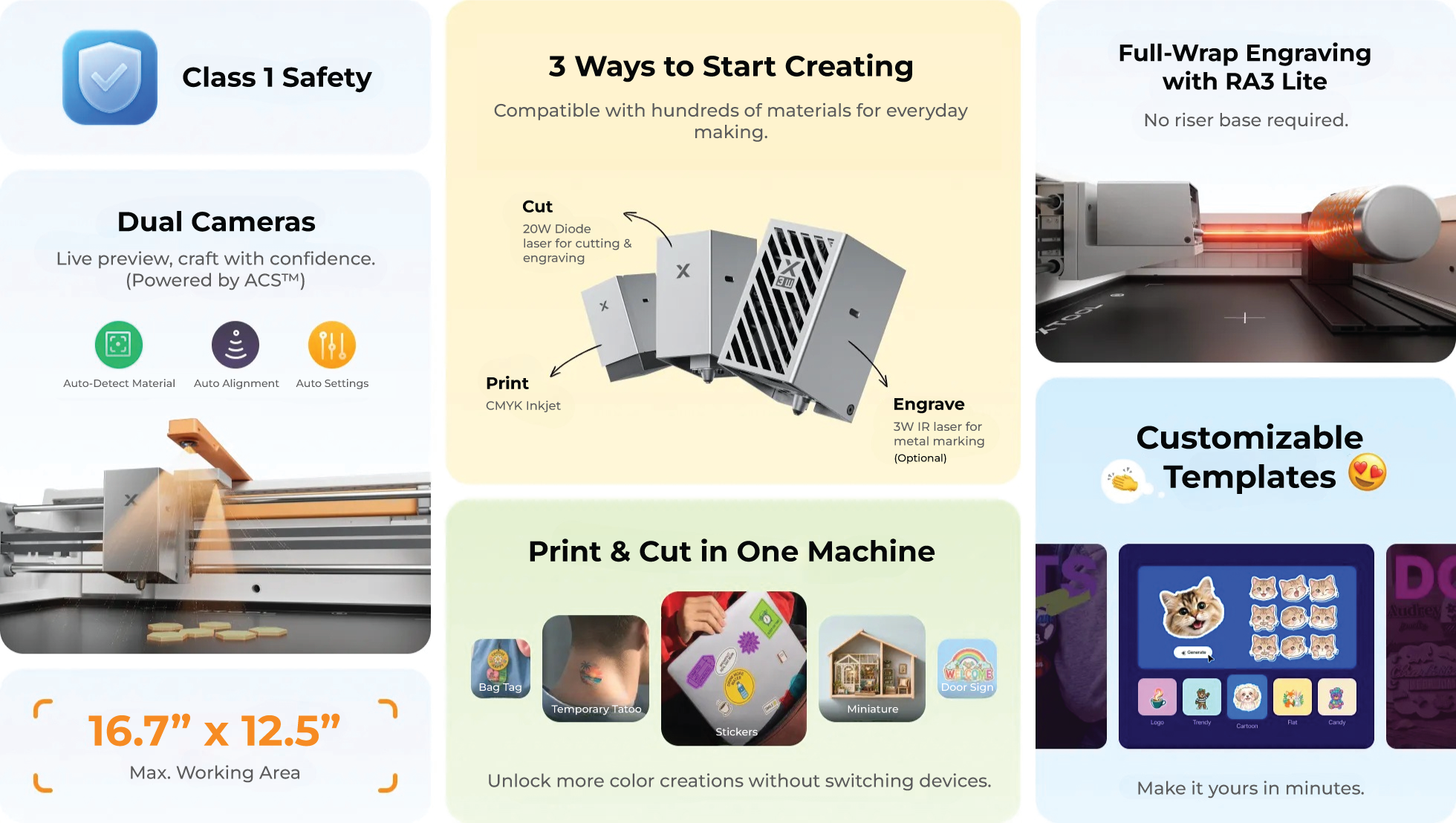
Transform 300+ materials—including cardstock, felt, leather, wood and more—into personalized masterpieces. One machine for full-color printing, precision cutting, and custom engraving.


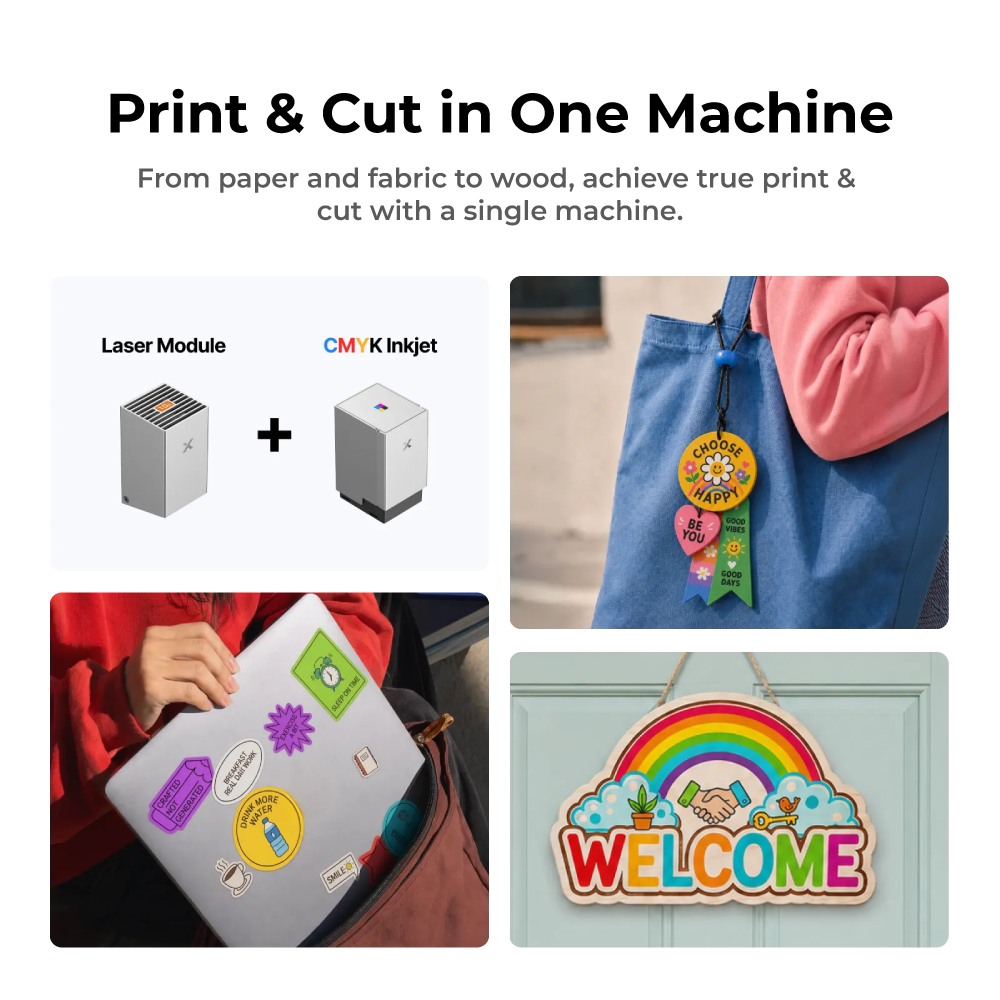
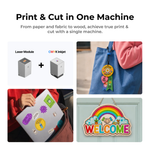
Print & Cut in One Machine.
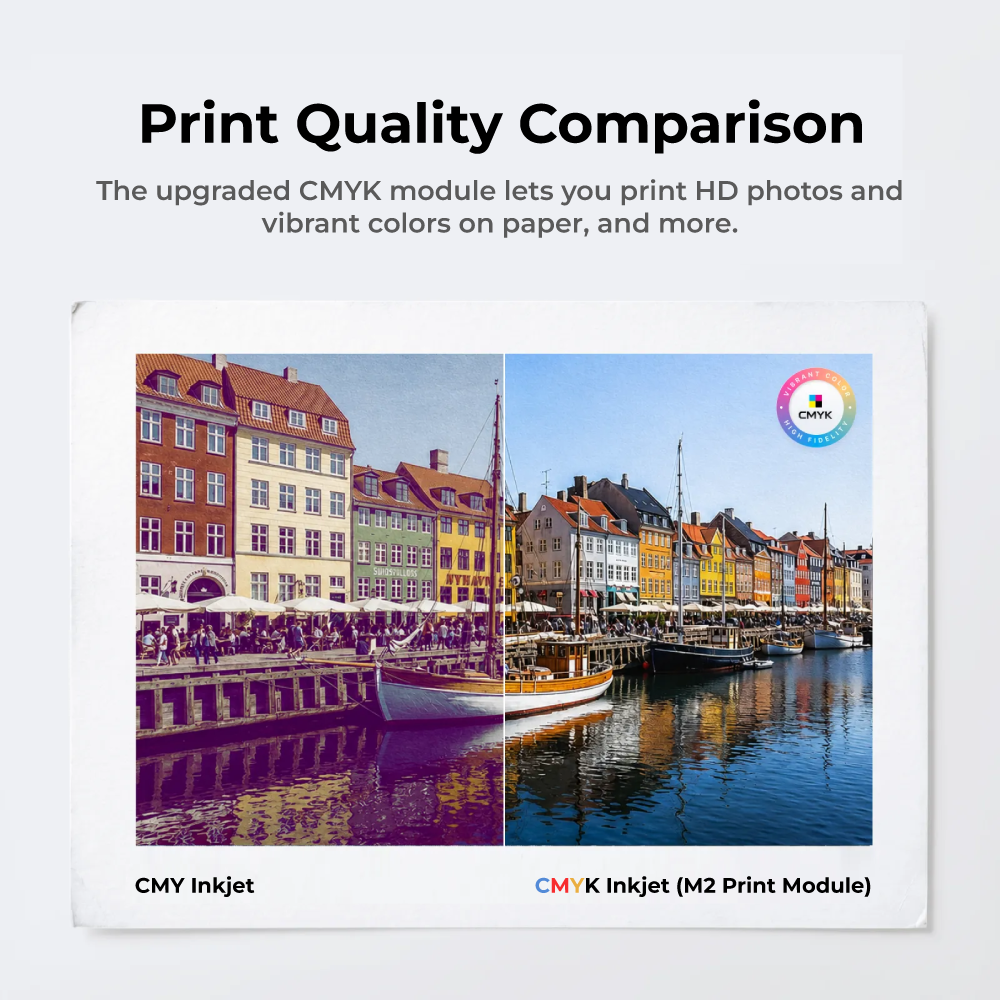
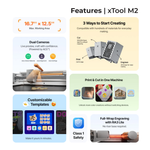
M2 syncs printing and cutting in one seamless workflow. No more switching between devices or wasting time on manual alignment.
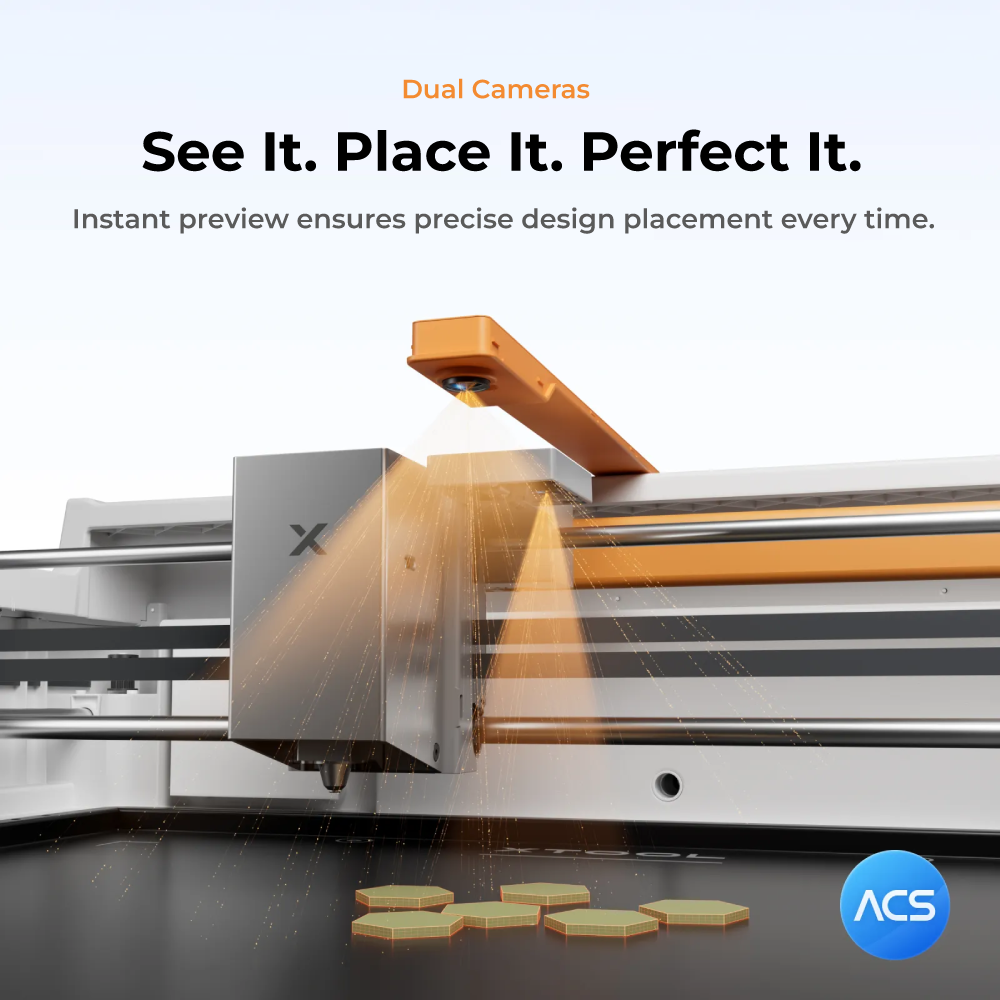
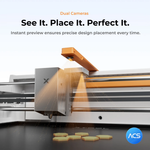
Dual-Camera System. Precision You Can Finally See.
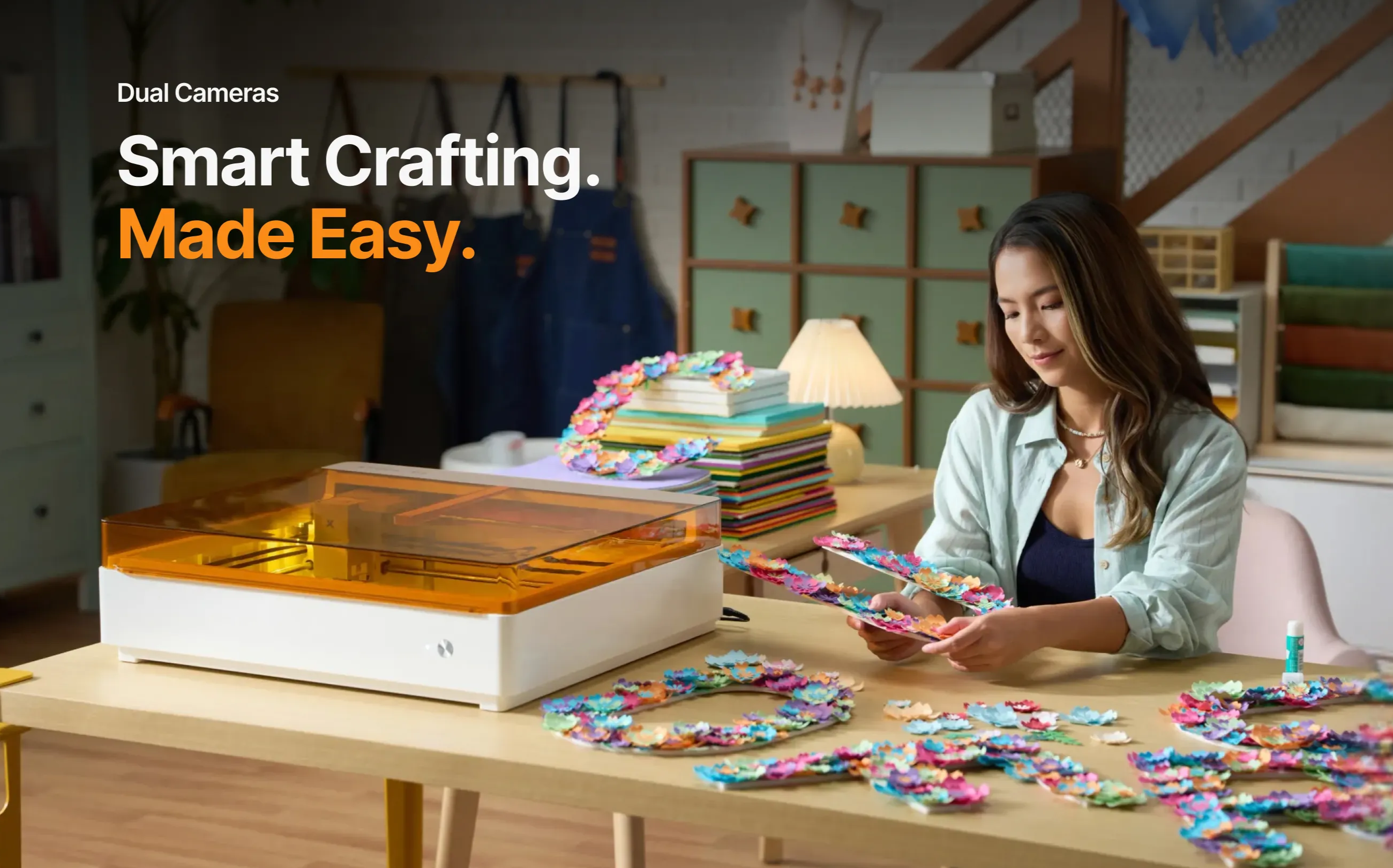
As the first diode laser with dual cameras, M2 offers a real-time preview of your workspace. Backed by ACS™, it fuses this vision with motion control for a "Place & Go" experience—ensuring high accuracy while eliminating guesswork and wasted material.
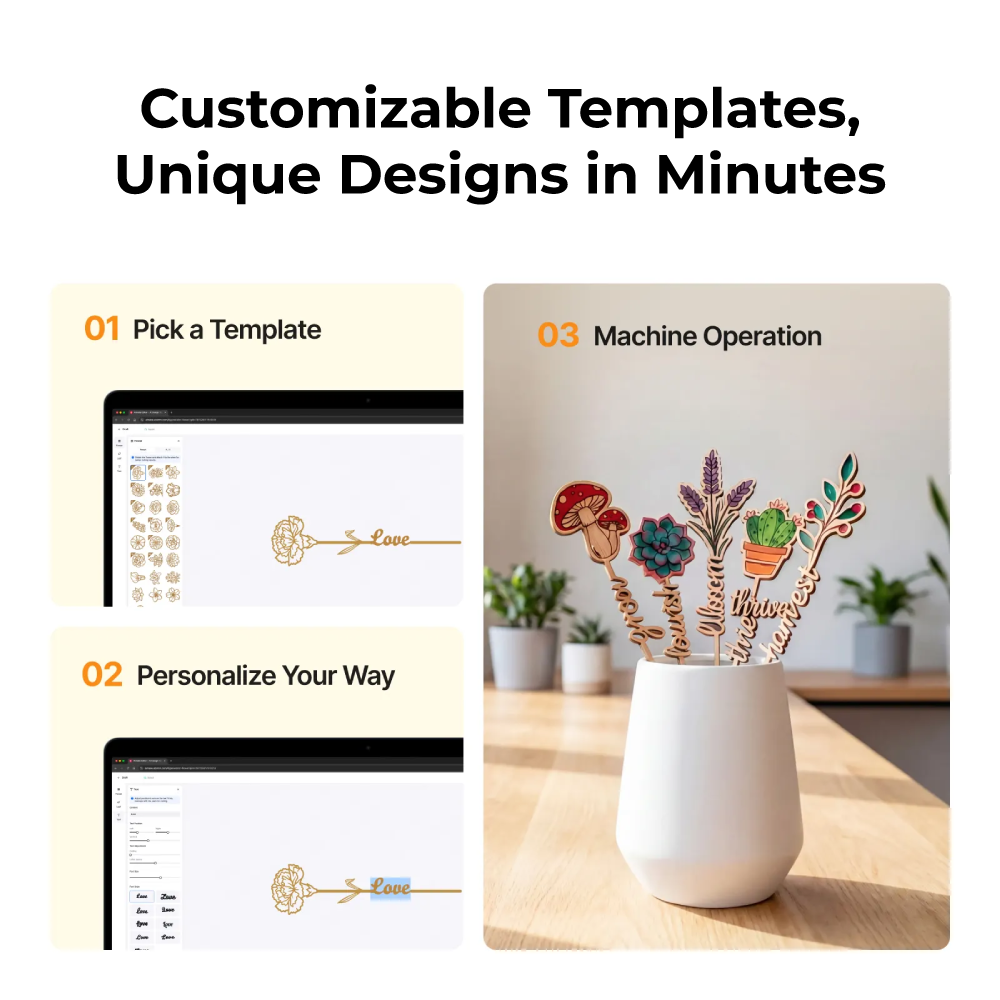
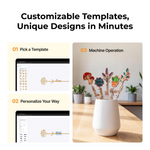
Customizable Templates. Make it Yours in Minutes.
Dozens of ready-to-use templates—including stickers, keychains, name tags, cake toppers, door signs, and more. Easily customize any template to fit your unique style. Your next masterpiece is just a few clicks away.
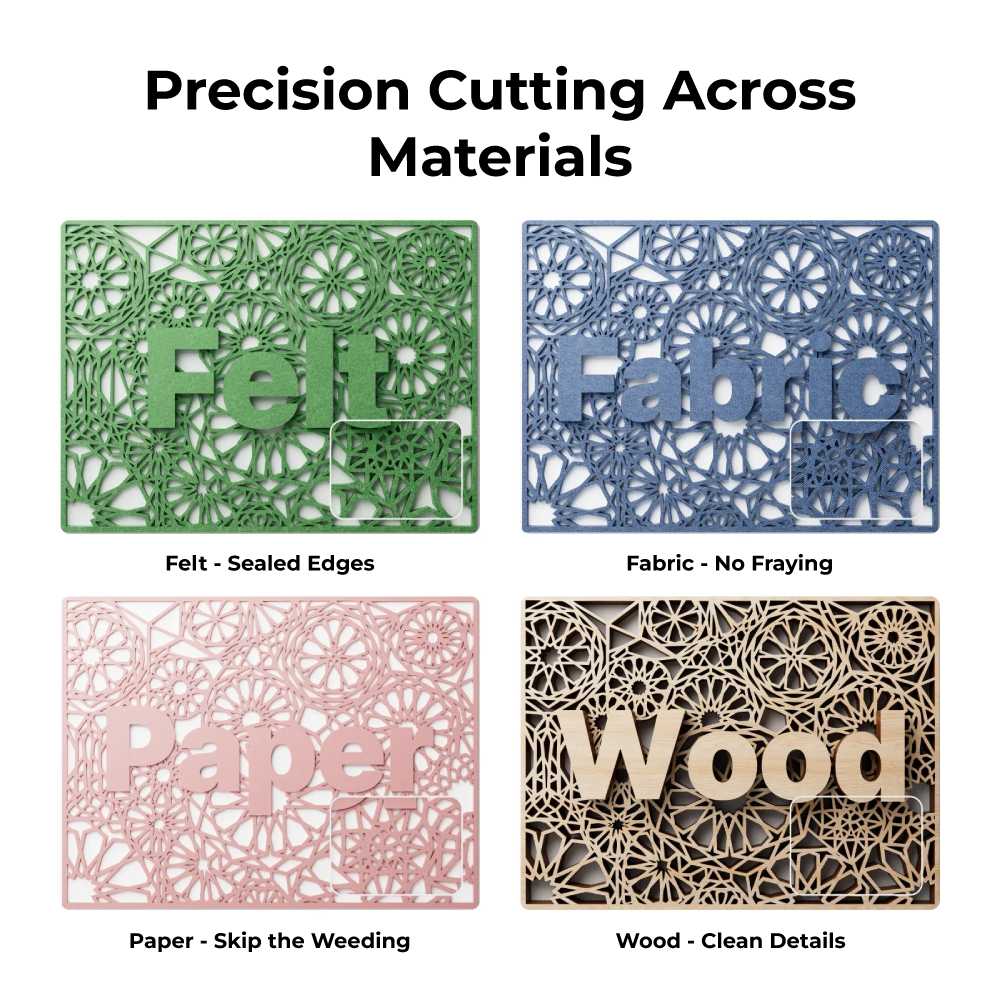
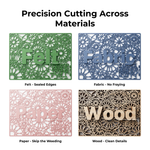
Precision Cutting Across Materials
From 2D to 3D Creations, Go Beyond Flat.

Structural Models
Assemble interlocking parts into 3D structures. Move beyond the frame to build things from miniatures to functional models.
Layered Builds
Stack precision-cut layers to create dimensional art. Transform flat designs into "2.5D" creations with depth and shadow.

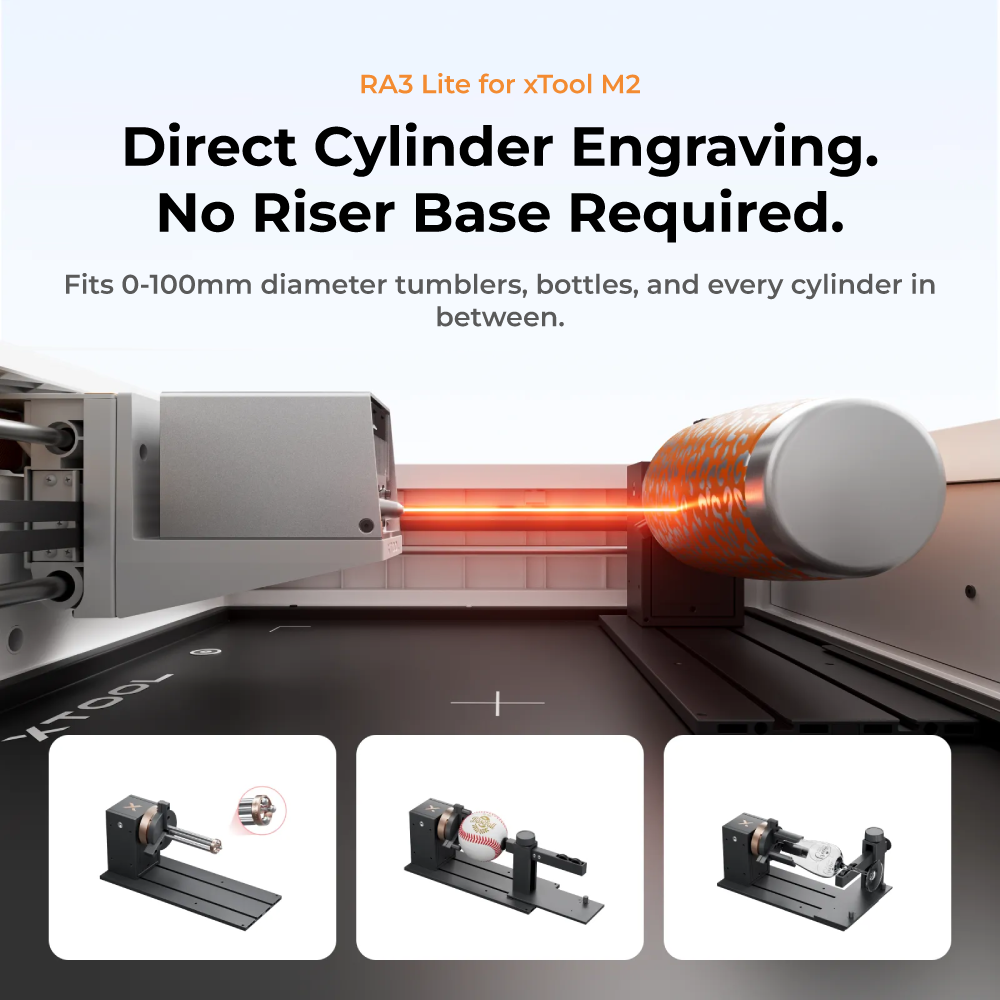
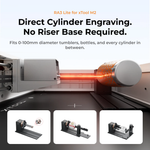
360° Engraving. No Riser Base Required.
The M2’s design allows for direct cylindrical engraving from 0 to 100mm. Removing the need for riser accessories, it delivers full-wrap results with a more compact and cost-effective setup.
Power Options for Every Creative Goal.
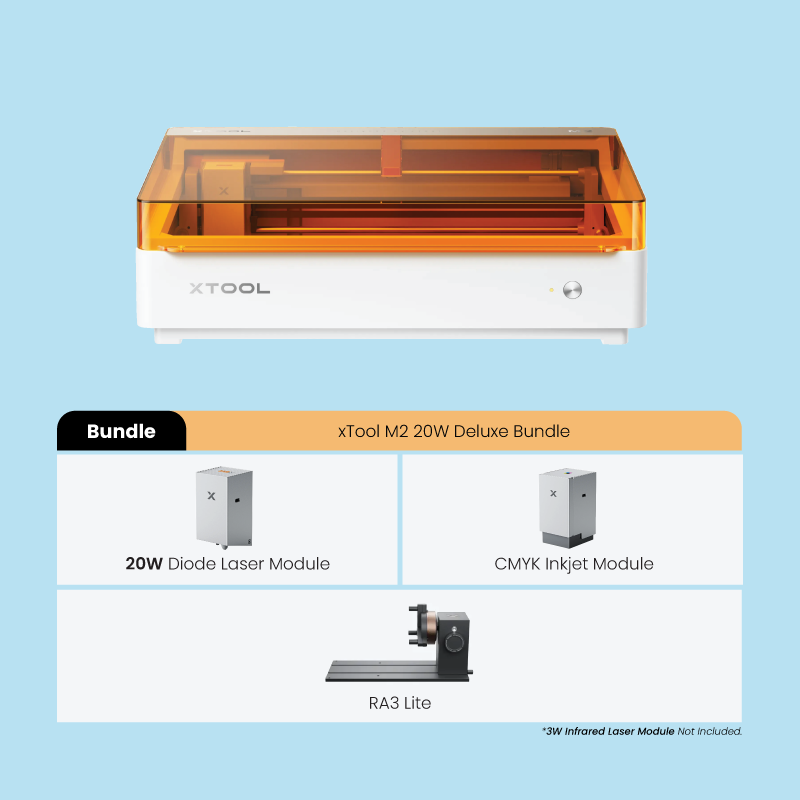
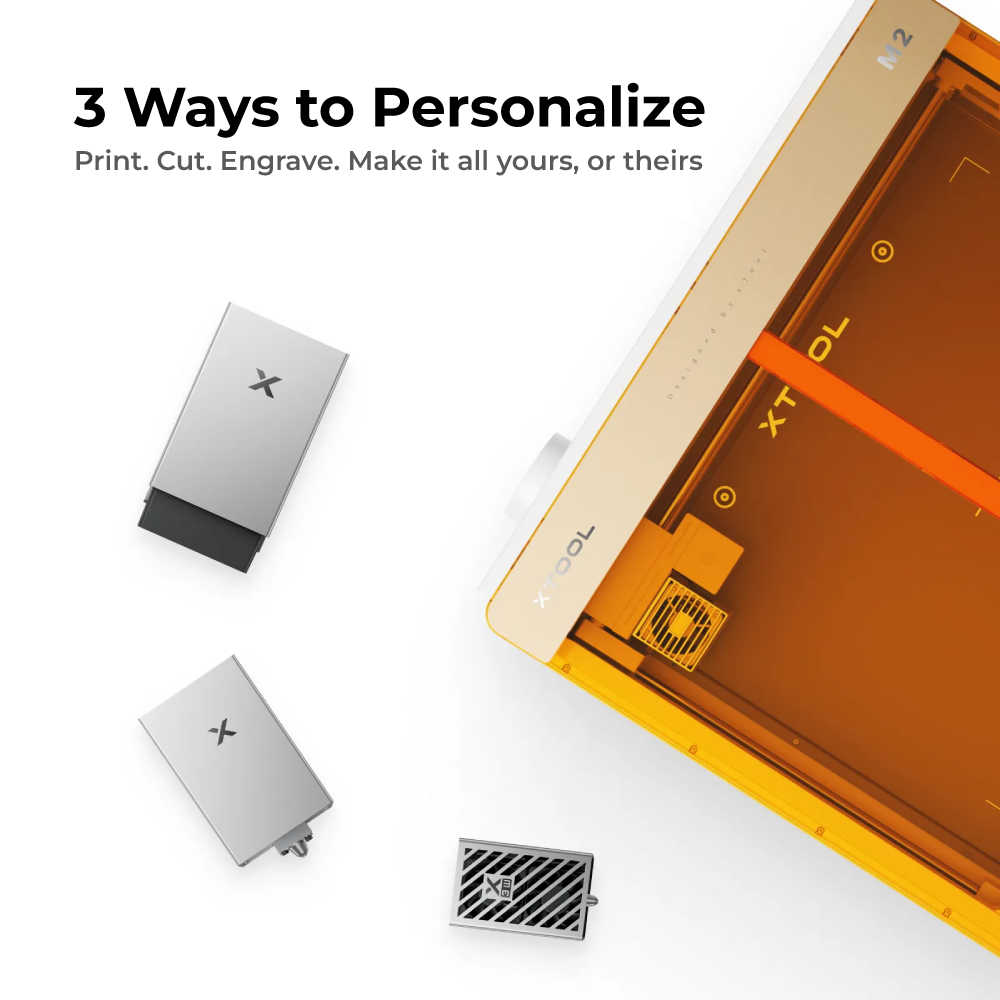
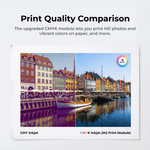
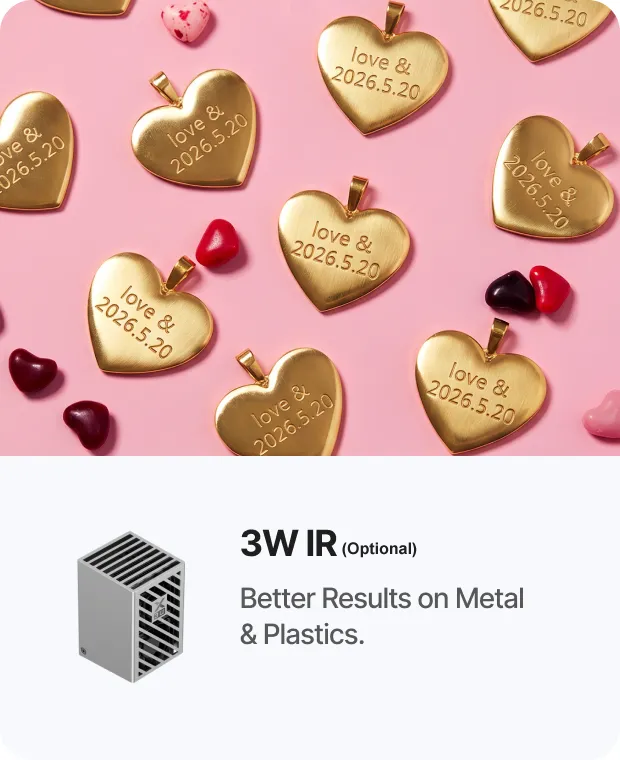
Switch between 20W blue diode lasers, 3W IR, or the inkjet module to match your specific workflow. The M2 adapts to every project you imagine.


Safe for Home Use.
Compliant with Class 1 standards, the enclosed structure effectively shields users from laser radiation during normal operation.

xTool Studio
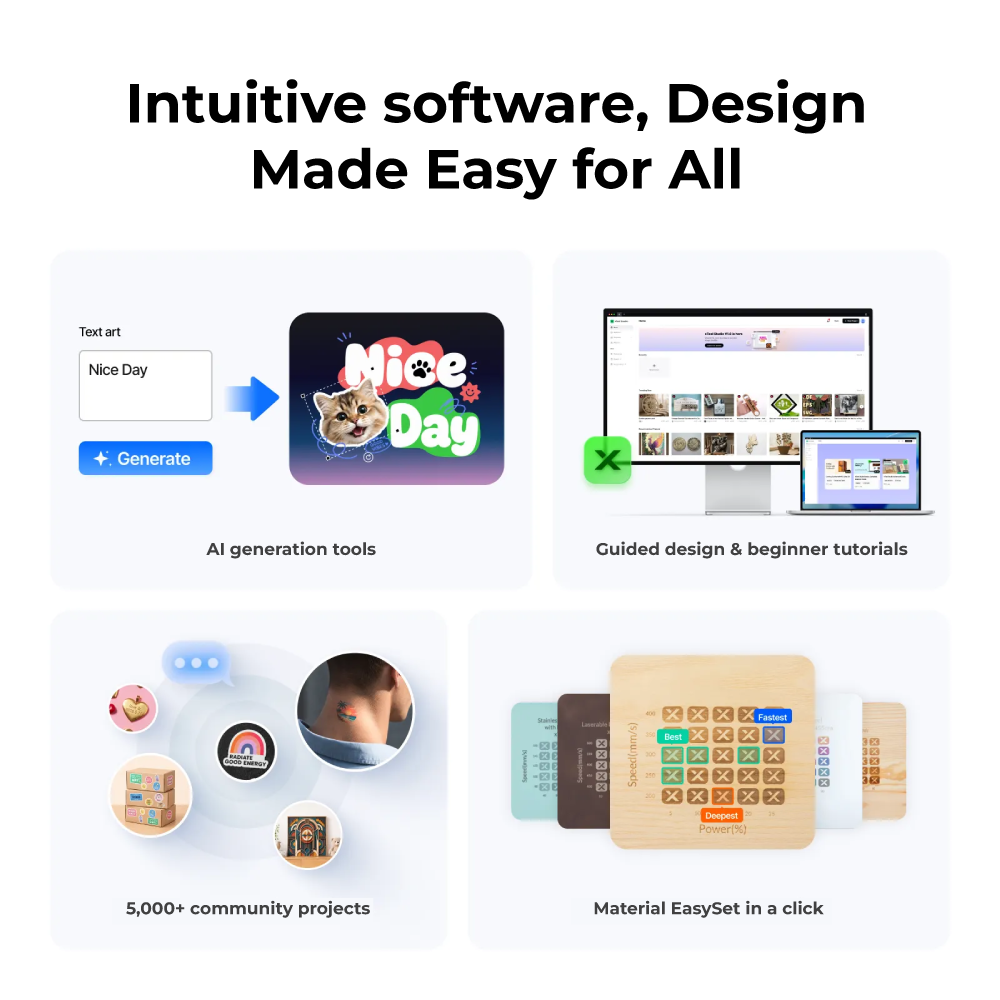
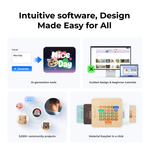
The all-in-one software that makes laser making powerful yet effortless. Purpose-built for the M2 to seamlessly control, optimize, and unlock your machine's full potential.
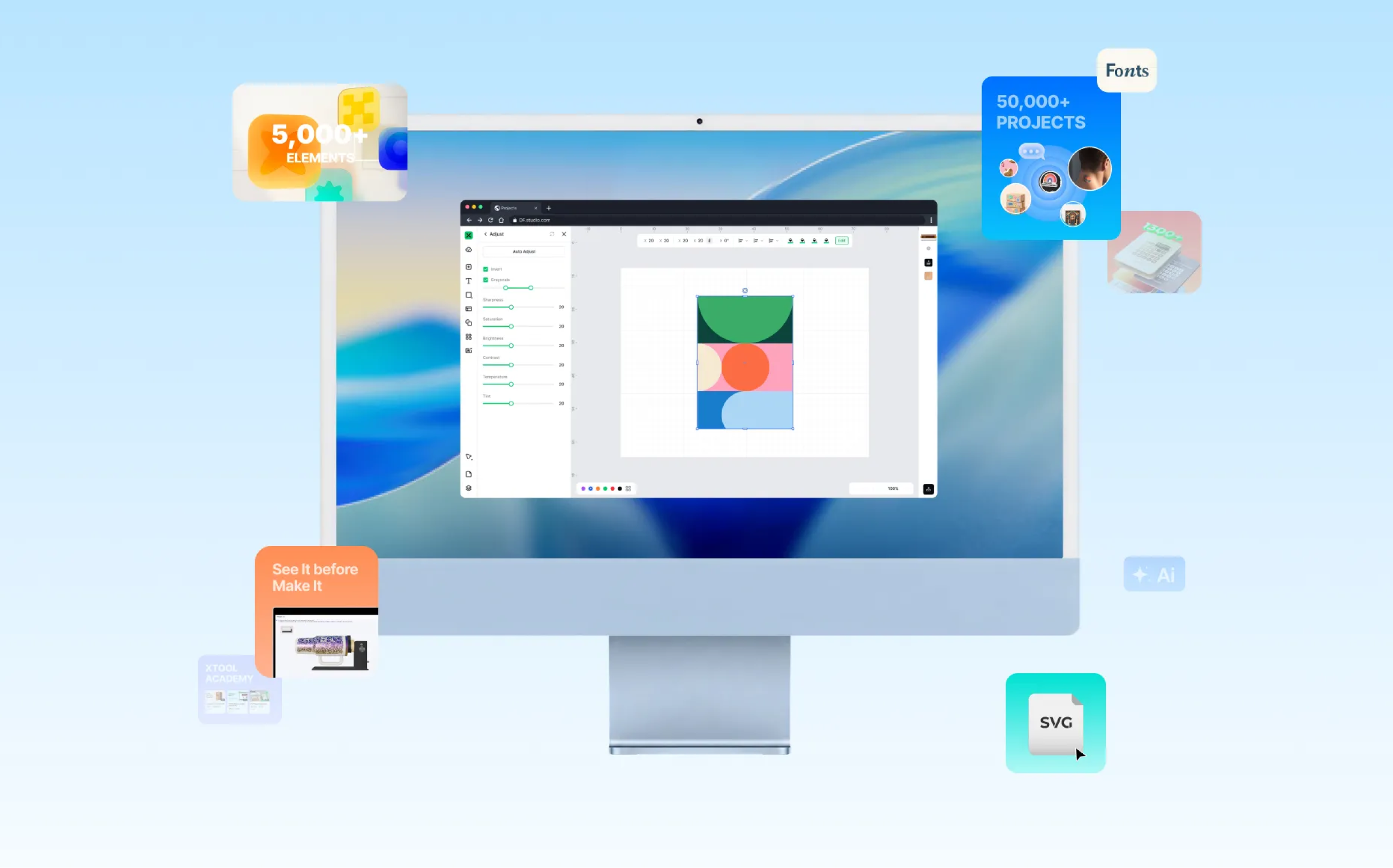
Everyday Tools.
Extraordinary Capabilities.
Monthly updates help your machine keep delivering more value long after purchase.

Massive Material Library: Settings That Just Work
1,300+ materials with 110,000+ parameter combinations — tested and fine-tuned in our lab. Browse the built-in library, find your material, and start with settings that are proven to work.
Built-In Design Library: Drag, Combine, and Create
3,000+ curated design elements — icons, illustrations, patterns, and 1500+ fonts. Use them as they are, or mix and match to build your own unique creation. Your creativity is the only limit.

All-In-One Editor: Design Without Limits
xTool Studio supports most file formats (SVG / DXF / JPG / JPEG / PNG / BMP / TIF / PDF / PDS). All patterns and lines are in your control. Redraw, rewrite, remix — your imagination is the only limit.
Smart Image Toolbox: Edit Where You Design
Background removal, edge tracing, grayscale optimization, style transformation and more. Process, adjust, and get your image machine-ready without opening another app.
Live Rotary Preview: Zero Blind Engraving
Preview exactly how your design wraps around cups, tumblers, and cylinders before processing. Adjust placement, check alignment, and confirm the result on screen.
Batch Fill: Set Up Once, Produce in Volume
Fill your entire work area with designs instantly — duplicate the same design hundreds of times, or batch-generate with unique names, numbers, and images.
Smart Nesting: Making Every Inch Count
Drop in your designs — the software auto-arranges them to squeeze the most out of every sheet. Less waste, more output, lower cost per piece.
Full Process Monitor: From Preview to Real-Time Progress
Preview full toolpath, finished result and estimated time before starting. Once running, monitor every move in real time through the built-in camera.
Integrated Tutorials: Start From Zero to Master
Step-by-step tutorials, video guides, and project walkthroughs — all in xTool Academy. Learn a new technique, troubleshoot a problem, or discover what your machine can really do.
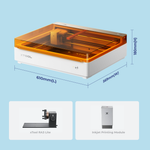
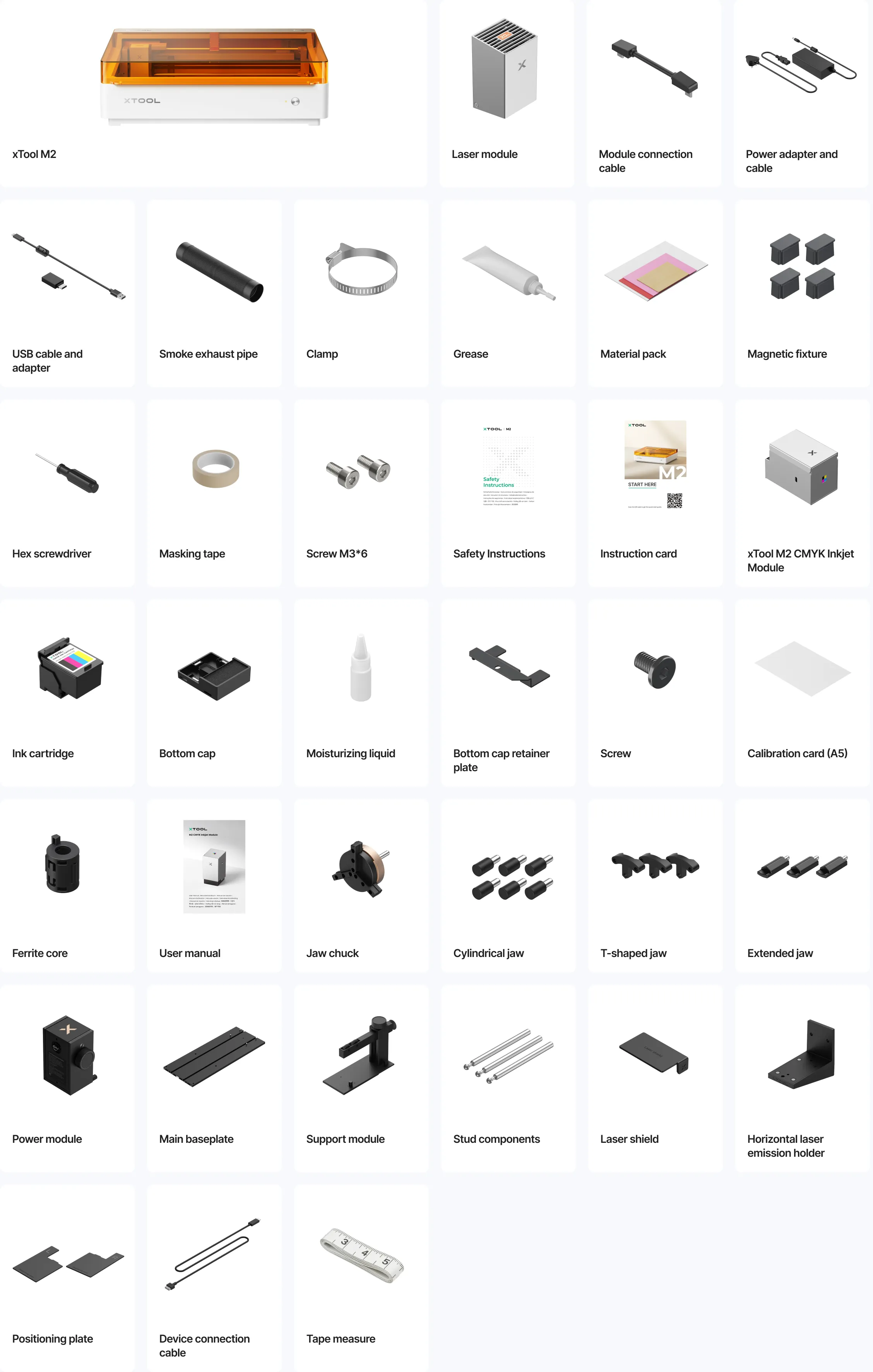
Box Contents
Specifications
Processing Capbility
| Module Type | Laser module: 20W Blue Diode Laser 3W Infrared Laser (add-ons) Printing module: CMYK Inkjet |
| Processing Mode | Laser Cutting / Laser Engraving / Inkjet Printing |
| Working Area | 20W: 16.7" x 12.5" (426mm x 320mm)
3W: 16.2" x 12.2" (412mm x 310mm) Inkjet Mode: 11.8" x 11.5" (300mm x 294mm) |
| Max. Rotary Engraving Diameter | 0 - 100mm |
| Max. Speed | 600 mm/s |
| Max. Cutting Capacity | Basswood:
20W: 10 mm in one pass Black Acrylic: 20W: 8mm in one pass |
Easy Operation
| Pre-assembled | Yes |
| Built-in Camera | 5MP Panoramic Camera & 2MP Close-range Camera |
| Positioning Method | Camera positioning |
| Focus Mode | Autofocus |
Accuracy & Precision
| Laser Spot Size | 0.0024" x 0.0031" (0.06 mm x 0.08 mm) |
| Positioning Precision | Up to 0.2mm (wide-angle positioning: <1.5mm) |
| Ranging Precision | 0.1mm, Probe |
| Motion Accuracy | 0.0004" (0.01 mm) |
General Information
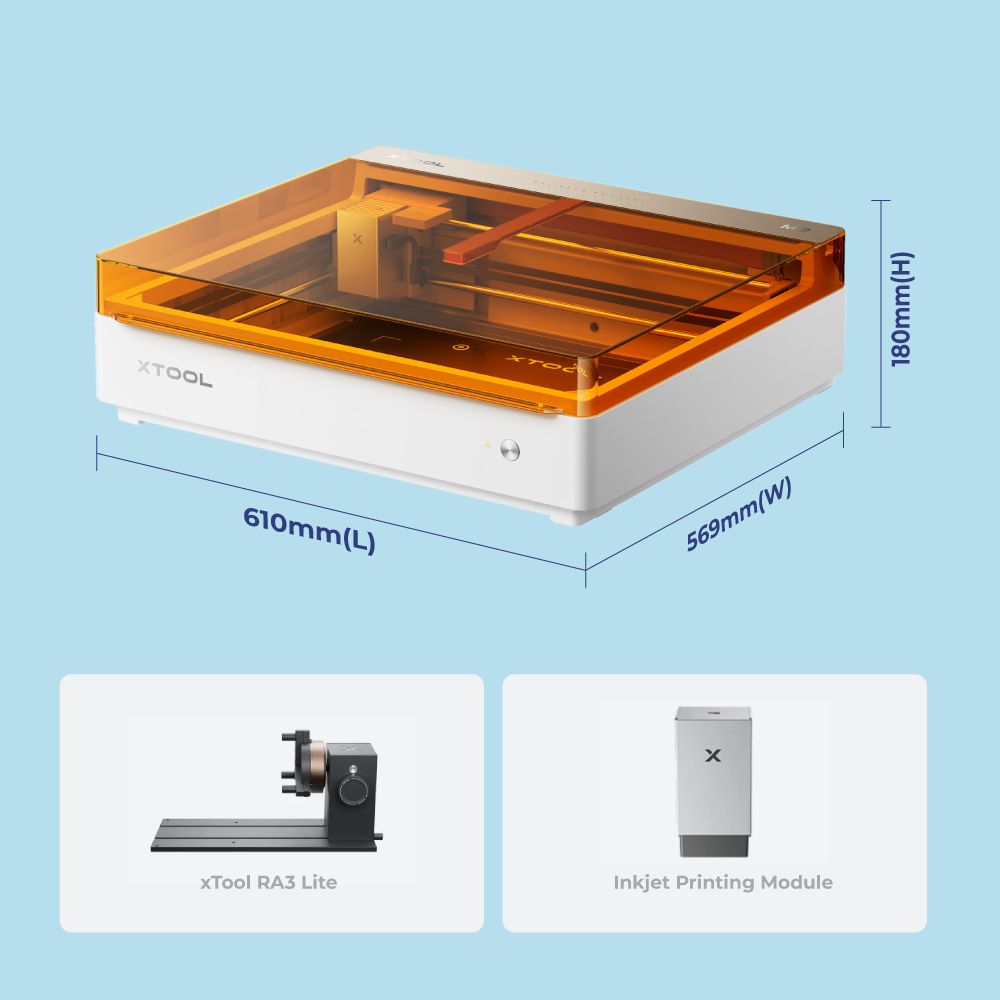
| Product Dimensions | 24" x 22.4" x 7" (610 mm x 569 mm x 180 mm) |
| Safety Certification | Class 1 Laser Safety (TÜV SÜD Certified) |
| Product Weight | 27.1 lb (12.3 kg) |
| Max. Machine Input Power | 200 W |
| Power Adapter Input Voltage | 100 V - 240 V ~ AC 50/60 Hz |
Software
| Supported Software | xTool Studio |
| Operating System | Windows / macOS |
| Connection Methods | USB / Wi-Fi |
| Supported Files | SVG / DXF / JPG / JPEG / PNG / BMP |
Supported Materials
| Cuttable | Wood / Opaque Acrylic / Paper / Cardstock / Cardboard / Foam / MDF / Leather / Felt |
| Engravable | Wood / Opaque Acrylic / Transparent Acrylic / Leather / Stainless Steel / Aluminum /
Plated Metal / Paper / MDF / Cardboard / Felt / Rubber / Glass / Plastic / Cork / Ceramic |
| Printable | Paper / Cardstock / Sticker Paper / Wood / Canvas / Fabric / Felt / Leather / Glass |
![[Economy] Flat Flyers](https://d2k7xl8xl93d43.cloudfront.net/images/opt/product/620_Flat-Flyer-_Economy_-5.png?v=6767)
![[Color] Tickets & Voucher](https://d2k7xl8xl93d43.cloudfront.net/images/opt/product/Event-Ticket-5.png?v=6767)