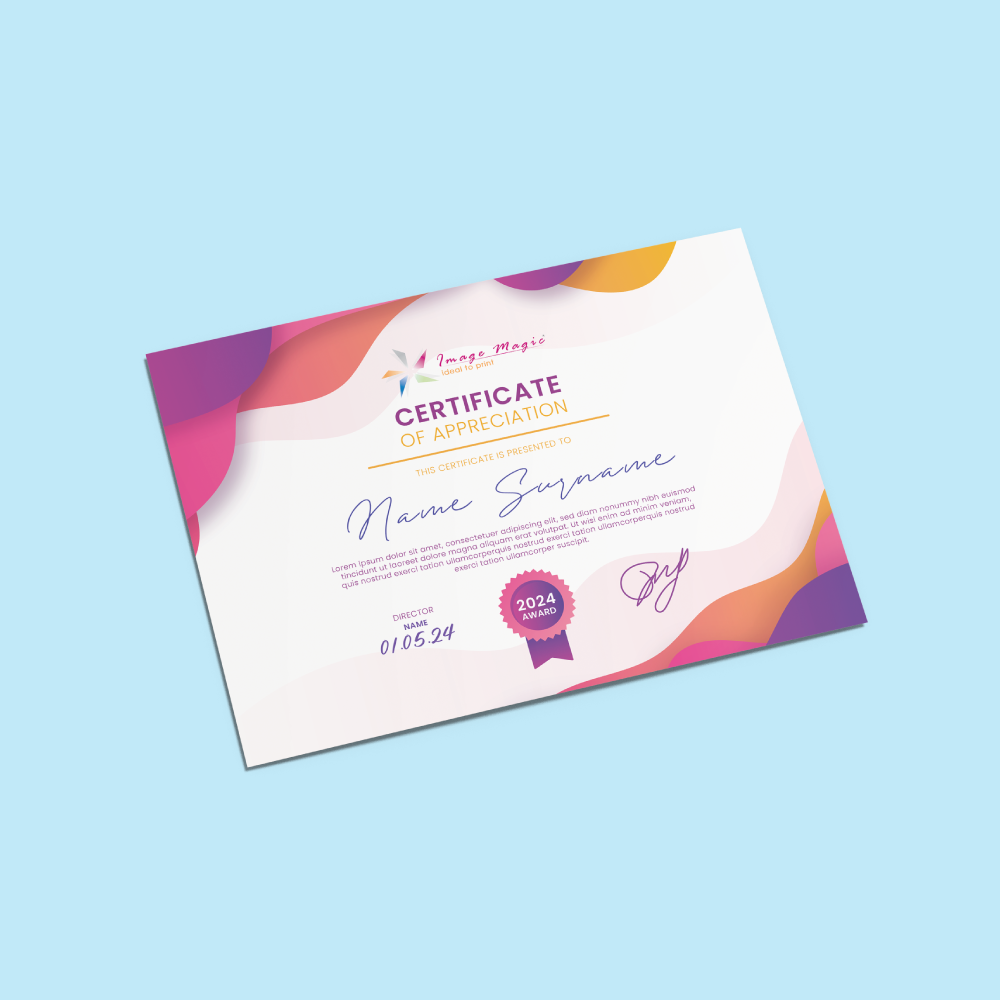
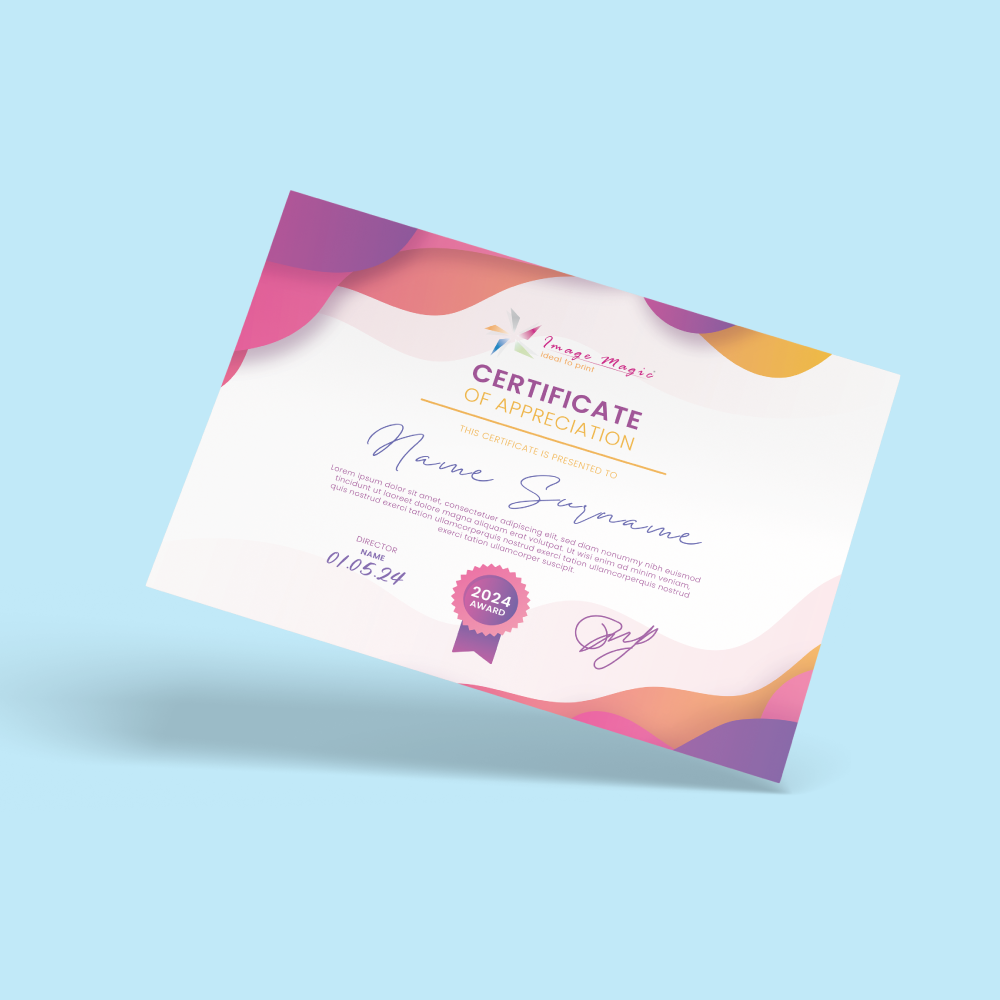
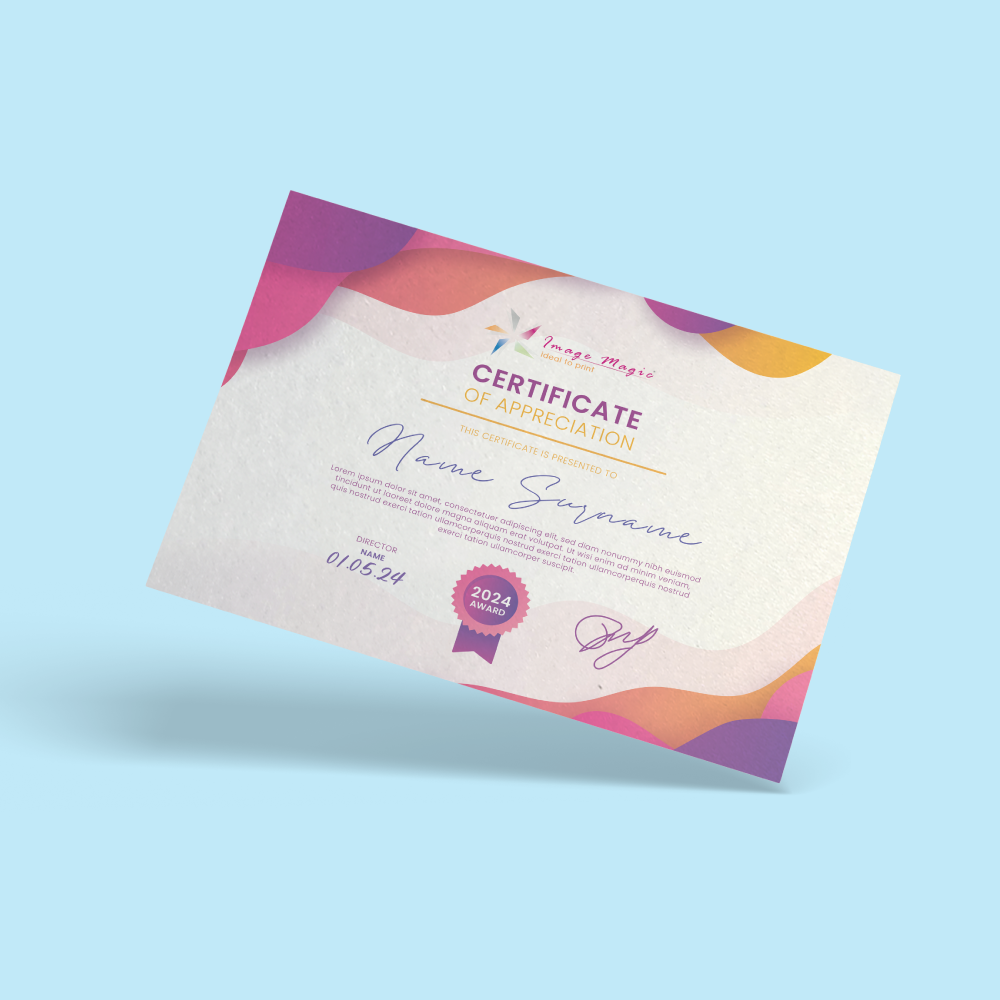
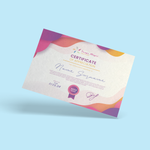
Certificates (Stationery)
Choose Options | Get Started To Direct Order
Click Button Below To Order
Designs
Professional Certificates with Premium Paper and Personalisation
Print certificates for awards, training, academic recognition, employee appreciation and corporate events. Choose from a wide range of premium card stocks with full-colour single-sided printing, with optional personalised names and serial numbers.
Current Product Configuration
Current Certificate Paper Options
The online calculator now provides substantially more paper choices than the old three-paper description.
- Conservation FSC 270gsm
- Lithe Evolution FSC 320gsm
- Green Forest FSC 300gsm
- Modigliani Candido FSC 260gsm
- Maple Bright FSC 220gsm
- Maple Bright FSC 300gsm
- Maple White FSC 220gsm
- Maple White FSC 300gsm
A laid-surface paper option for certificates that require a more traditional textured presentation.
- White Ivory Card 250gsm
- Cream Ivory Card 250gsm
Select this when a gold metallic paper surface is desired. The metallic appearance comes from the card stock itself.
Blank or Personalised Certificates
Choose the correct order type depending on whether every certificate uses identical artwork or contains recipient information.
Choose this when every certificate uses the same printed design without changing recipient names or serial numbers. Enter the total quantity required.
Choose personalisation when certificates require changing recipient names and serial numbers. Upload the base certificate artwork first, then complete the provided Excel template.
What Can Be Printed?
Suitable for
Artwork Preparation Guidelines
Prepare one base certificate artwork matching the exact certificate size selected in the calculator.
File Format and Colour
- PDF is the preferred print-ready format.
- AI artwork is also accepted.
- CMYK colour mode is recommended.
- Raster images should be approximately 300 DPI at final size.
- Convert fonts to outlines or embed them before export.
Certificate Size
- Artwork must match the exact size selected in the certificate calculator.
- Do not resize artwork automatically without checking text, borders and margins.
- Use the matching downloadable template where available.
Bleed and Safe Area
- Add 3mm bleed on all sides when the background, colour or image extends to the trim edge.
- Extend edge-to-edge backgrounds completely into the bleed.
- Keep important text, names and logos approximately 5–10mm inside the trimming edge.
Personalised Name Layout
- Leave sufficient space in the base artwork for variable recipient names.
- Allow for longer names when choosing the font size and name area.
- Do not type individual recipient names directly into separate artwork files when using mass personalisation.
Name & Serial Number Excel File
- Upload the base certificate artwork first.
- Download the provided Excel template on the personalisation page.
- One row represents one certificate record.
- Check spelling and serial-number information carefully before submission.
One Artwork Per Order Item
- Only one base artwork file is allowed per order item.
- Personalised recipient information should be handled using the variable-data workflow.
- Separate certificate designs should be added as separate order items.
Basic Artwork Check
- Image Magic performs a basic technical check of size, margins and colour setup.
- Minor technical adjustments may be made where appropriate.
- This is not a complete proofreading service.
- Customers remain responsible for recipient names, certificate wording and serial-number data.
Artwork Submission Time
- Artwork should be uploaded before 5:00 PM.
- Late artwork may affect the production and delivery schedule.
- Complete and verify personalisation data before submitting the job.
Production and Delivery
How to Order Certificates
- Select Size & Paper Choose the available certificate size and preferred card stock.
- Select Personalisation Choose blank certificates or personalised name / serial number.
- Upload Artwork Submit one complete print-ready base certificate design.
- Submit Recipient Data Complete the Excel template when personalisation is selected.
Frequently Asked Questions
Are certificates printed on both sides?
Can every certificate have a different name?
Can certificates have serial numbers?
What paper options are available?
Is gold metallic card the same as gold foil?
Is a certificate folder included?
What artwork format should I use?
How long does certificate production take?
Need Professional Printed Certificates?
Select your certificate size, paper and personalisation option, then upload one print-ready base artwork and complete the recipient data file where required.
WhatsApp +6012-651 2849Templates
To start, select the product size, preview the design guidelines, download the guidelines for reference, and proceed with the customization options.
Upload Artwork Guideline
Format: PDF / AI / PSD (300 DPI)
Colour Mode: CMYK
Size: A4 with 3mm bleed
Fonts: Outlined or embedded
Variable data: Submit Excel/CSV with names/titles
📥 Need help with layout? Just send us your logo and content — we’ll handle the rest!
![[Economy] Flat Flyers](https://d2k7xl8xl93d43.cloudfront.net/images/opt/product/620_Flat-Flyer-_Economy_-5.png?v=6767)